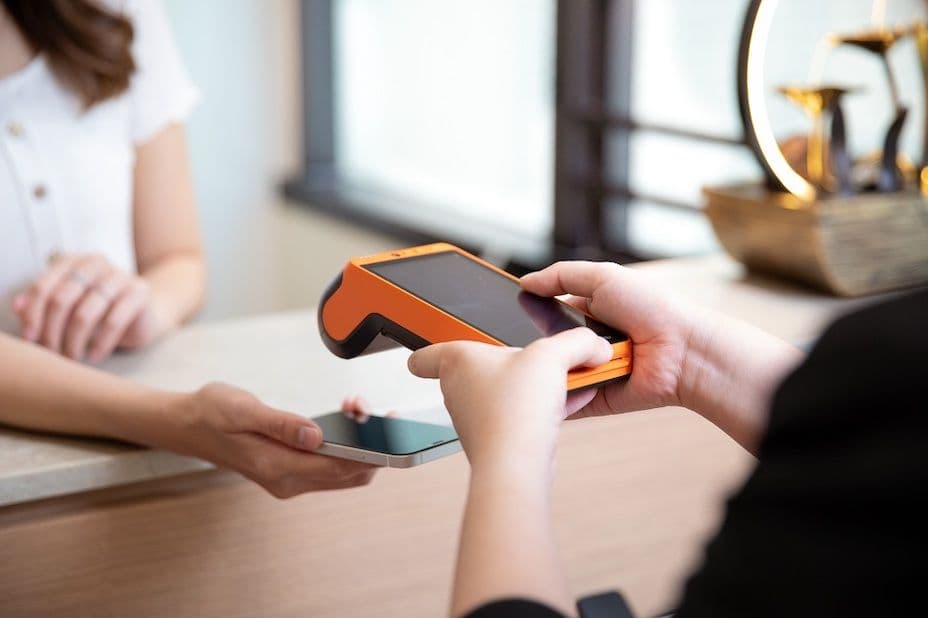
What are the risks of using personal PayMe for business transactions? How can merchants start accepting PayMe payments? This article will explain the application process for PayMe for Business, its fees, bank account requirements, and how merchants can set up a payment terminal to accept PayMe.
Want to accept not only PayMe but also Alipay+, WeChat Pay, and other e-wallets? KPay has you covered! The KPay Smart POS terminal supports 19 different payment methods in one machine, making it easy and convenient without multiple applications. New KPay customers who apply for the POS machine can enjoy a limited-time $0 transaction fee (rebate for merchant transaction fees on sales up to $30,000), plus extra cash and benefits worth up to $17,964!
Applying for a KPay Smart POS Terminal
Only using PayMe for Business limits your payment options, which might cause you to miss potential customers! To support all popular payment methods in one system, consider applying for KPay’s Smart POS terminal. In addition to PayMe, it supports 17 major payment methods, including credit cards, WeChat Pay, Alipay+, and Apple Pay. Covering more payment options helps attract more customers and increases payment flexibility.
Required documents:
- Hong Kong contact phone number
- Business registration certificate, company incorporation certificate, and other business documents
Application steps:
- Contact your sales manager or submit your company details online.
- The electronic payment sales team will reach out to understand your payment needs.
- Upon approval, the KPay team will arrange installation of the Smart POS terminal.
- Once activated, you can start accepting PayMe and other payment methods.
Approval time: As fast as 5 business days.
PayMe for Business fee details
- KPay Smart POS PayMe transaction fee: 1.1% (offer valid until 28 Feb, 2025)
- PayMe for Business app transaction fee: 1.2%
- PayMe API transaction fee: 1.5%
PayMe for Business payment process
Using KPay Smart POS Terminal for Payment:
- Instruct customers to select "Pay Business" in their PayMe app and show their QR code.
- On the KPay Smart POS, press "Sale" and enter the amount.
- Confirm the total and select "PayMe".
- Scan the customer’s PayMe QR code to complete the transaction.
- The system will print both customer and merchant receipts.
Using PayMe for Business App for payment:
- Dynamic PayCode: A one-time QR code generated by entering the amount.
- Static PayCode: A merchant-specific QR code where the customer enters the amount.
- Dynamic PayLink: A one-time link generated with the amount, sent via messaging apps.
- Static PayLink: A merchant-specific payment link, where the customer enters the amount, also shared via messaging apps.
Why Should You Apply for a KPay Smart POS Terminal?
- Integrated with multiple leading POS Systems, supporting automatic reconciliation: KPay integrates with multiple major POS systems, helping merchants sync sales and payment data for faster checkout and fewer errors. The KPay app supports automatic reconciliation across POS systems, POS terminals, and bank accounts, making it easy to cross-check accounts and ensure accurate transactions, improving efficiency for audits and tax preparations.
- Support for 17 major payment methods: The KPay Smart POS terminal supports PayMe for Business and a range of popular payment methods like Octopus, Alipay+, WeChat Pay, credit cards, Apple Pay, and more. One device covers all payment needs, saving space and enhancing customer convenience.
- Flexible payments and express settlement: With KPay, merchants need only one POS terminal, avoiding the hassle of applying to multiple payment providers. KPay offers fast settlements, with T+1 instant settlement available after opening a quick payment account, ensuring funds are credited as quickly as the next day.
- Instant transaction records in 1 App: The KPay merchant app allows real-time access to sales and transaction records, offering data analysis of sales trends, payment methods, and more. Merchants can download settlement reports at any time, providing clear insights to help with business decisions.
What is PayMe for Business?
PayMe for Business is a merchant payment platform launched by HSBC, enabling businesses to easily receive payments from over 3.2 million local consumers through PayMe. Beyond basic payment collection, PayMe for Business allows merchants to securely transfer funds to their business bank account, review transaction records, and download detailed transaction reports.
How is PayMe for Business Different from The Personal Version?
The personal version of PayMe and PayMe for Business differ in transaction limits, fees, and account requirements. While personal PayMe is easy to set up and doesn’t charge transaction fees, it has limits on deposits and transfers. If merchants use personal PayMe for business transactions, they not only face these limits but also risk having their accounts frozen due to frequent or large transactions, which can disrupt business operations.
| Feature |
Personal PayMe |
PayMe for Business |
| Eligibility |
None |
HSBC business customers or designated third-party providers |
| Transaction Limit |
Daily transfer limit: HK$20,000 |
No transfer limit |
| Fees |
None |
1.1% via KPay Smart POS Terminal
1.2% via PayMe app
1.5% via PayMe API |
| Bank Account Requirement |
Not required |
HSBC business account required for merchants |
| Sales Management Platform |
Not available |
Provides sales tracking and management |
Benefits of PayMe for Business for merchants
- Easy to use: The platform is easy to operate and integrates seamlessly with existing business processes.
- High security: Transactions are encrypted, ensuring the security of both merchants and customers.
- Convenience: Customers can pay via their mobile devices, reducing checkout friction.
- Fast transactions: Payments are processed quickly, offering a smooth experience for customers.
- Refund and transfer features: Merchants can easily process refunds or transfer funds to a bank account.
How to Apply for PayMe for Business
Documents required for account setup:
- Hong Kong business mobile number
- Business email address
- HSBC Business Internet Banking account details
- Security device for the account
Steps:
- Download the PayMe for Business mobile app.
- Follow the prompts to enter your business and account details.
- Select the business and banking accounts you want to use.
- Complete the registration.
Approval time: Please contact PayMe for details.